
Windows Vista
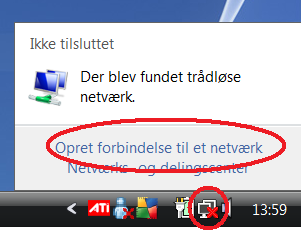
Click on the network icon at the bottom to the right and click “Connect to a network”.
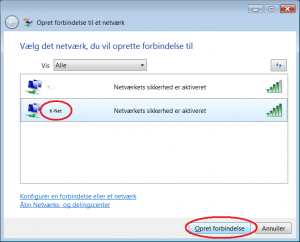
Select “K-Net” from the list and click “Connect”.
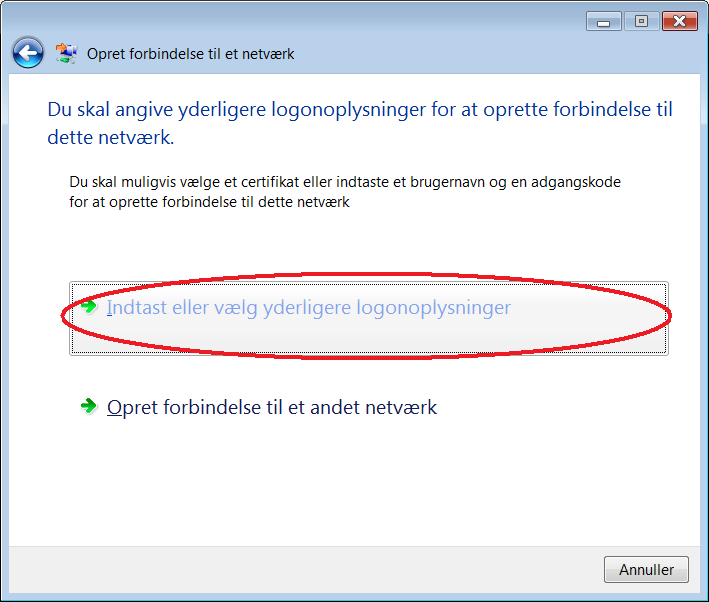
Click on “Insert or select further logon information”.
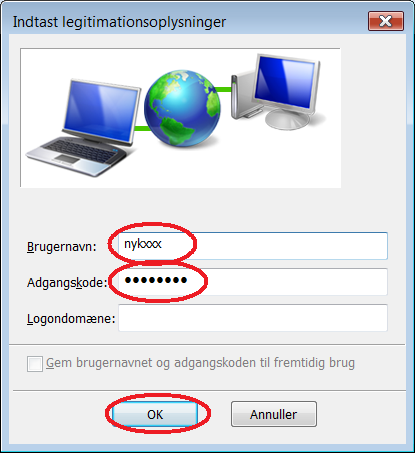
Insert your nybro username and password and click “OK”.
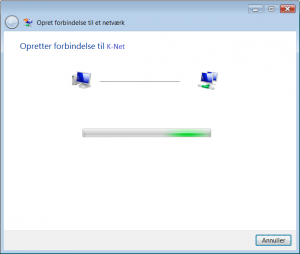
Wait while the connection is made.
A warning pops up. Select “OK”.
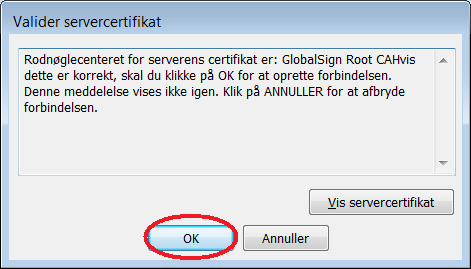
Click “OK”.
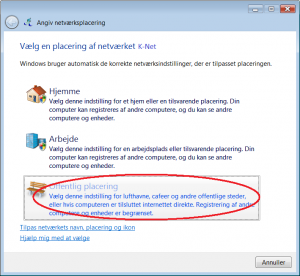
Click “Publick network”.
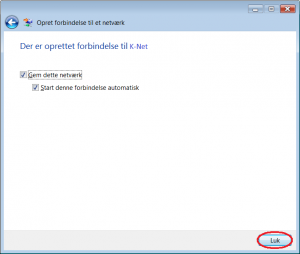
Click “Close”.
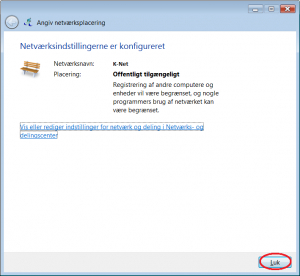
You should now be connected to the wireless network.